
Download Typing Magic 11 – touch typing, keyboard training, typing speed, improve typing, learn to type
Overview
Typing Magic 11 is a mobile application designed to help users improve their typing skills through structured, adaptive learning. The app offers a free one-week trial that grants full access to all features, including over 10 hours of tailored exercises aimed at enhancing typing speed and accuracy. Targeted at individuals seeking to develop or refine touch typing abilities, the app caters to beginners and intermediate users alike who want to build confidence and efficiency in keyboard use. Whether for academic, professional, or personal purposes, the app addresses the growing need for digital literacy in everyday communication and productivity.
The software adapts to the user’s individual progress, identifying weaker areas and focusing on them to ensure comprehensive improvement. This personalized approach makes the learning experience more effective than generic typing tools. Real-world use cases include students preparing for exams, office workers managing high-volume correspondence, and remote professionals needing faster input for emails and documents. The app’s emphasis on skill acquisition in just 3 to 5 hours of practice positions it as a valuable tool for those requiring rapid improvement. The developer, Typing Magic, has positioned this app as a utility within the education category, focusing on practical, measurable outcomes.
Key Features & Functionality
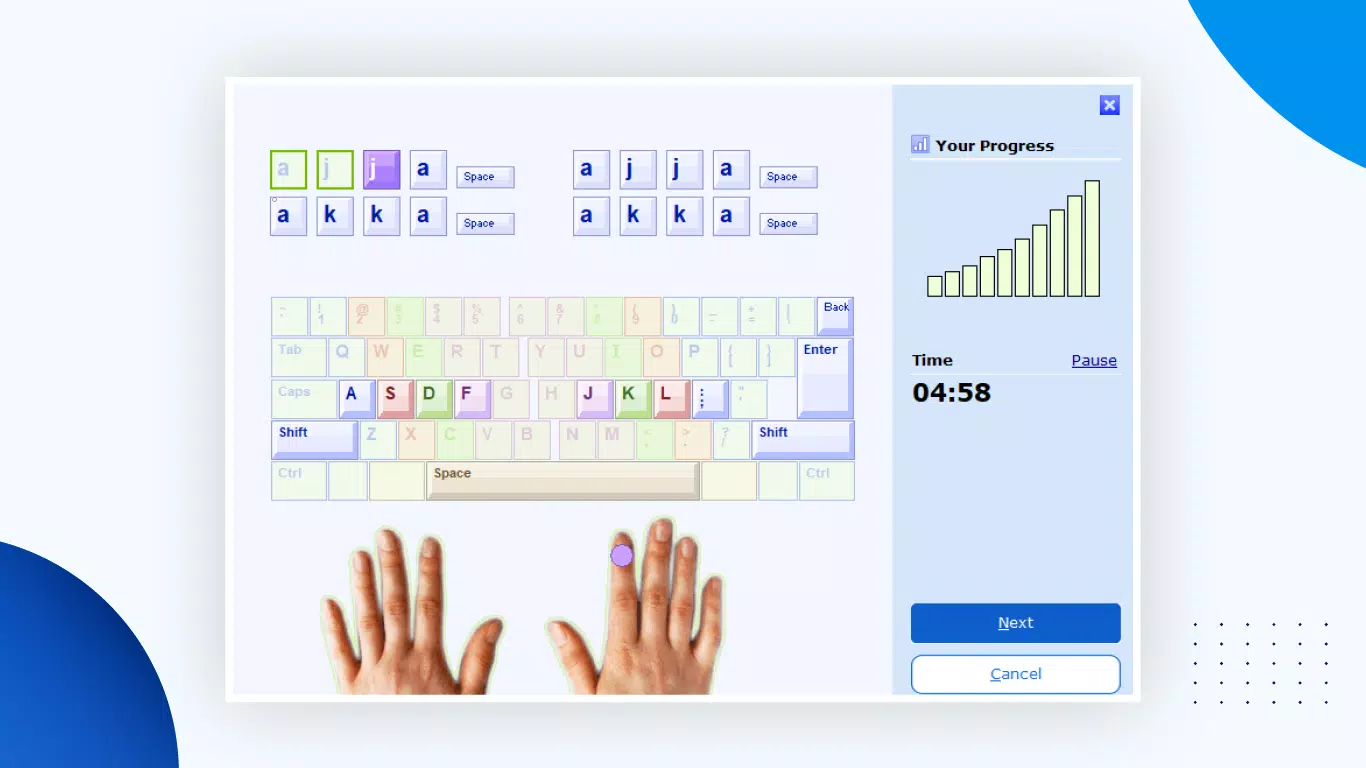
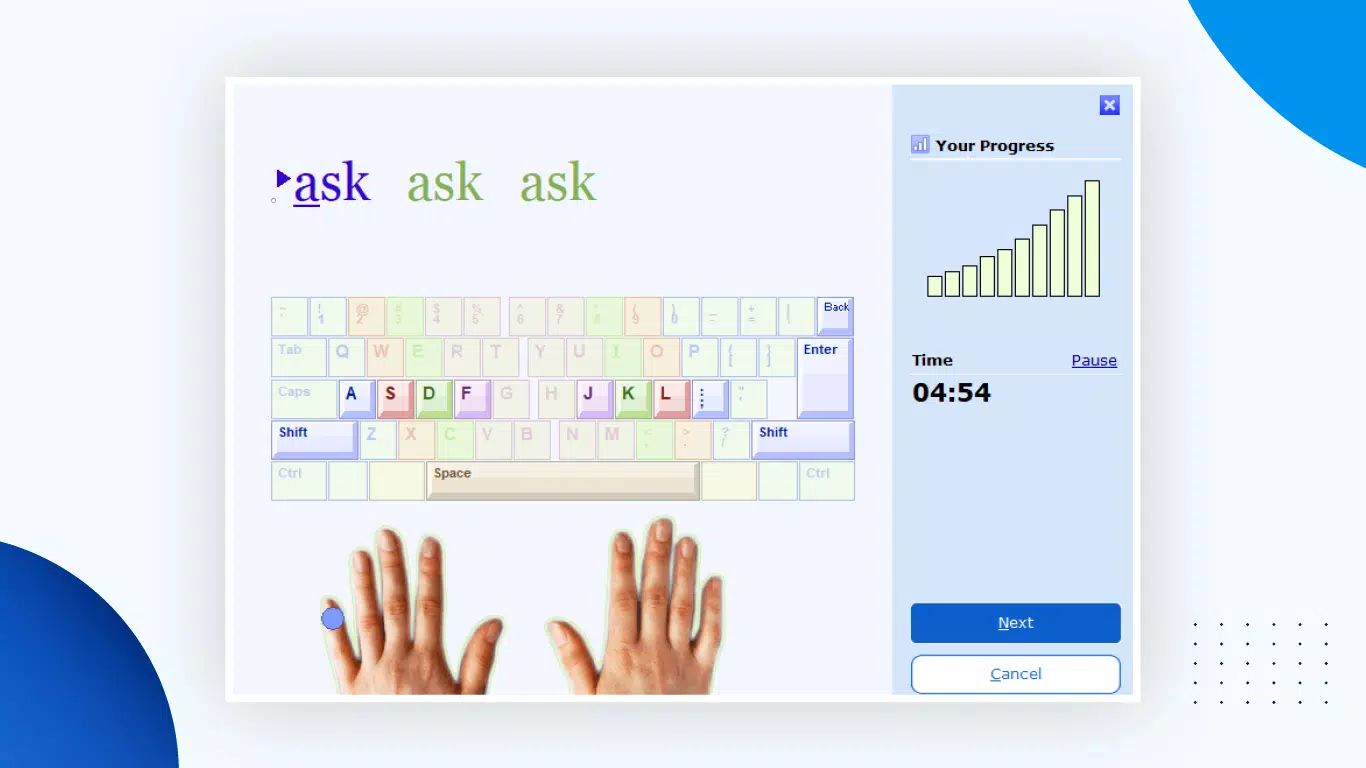
- Personalized Learning Experience: The app tailors lessons based on user performance, adjusting to strengths and weaknesses in real time. This ensures that practice is focused where it’s most needed, reducing wasted effort and accelerating skill development.
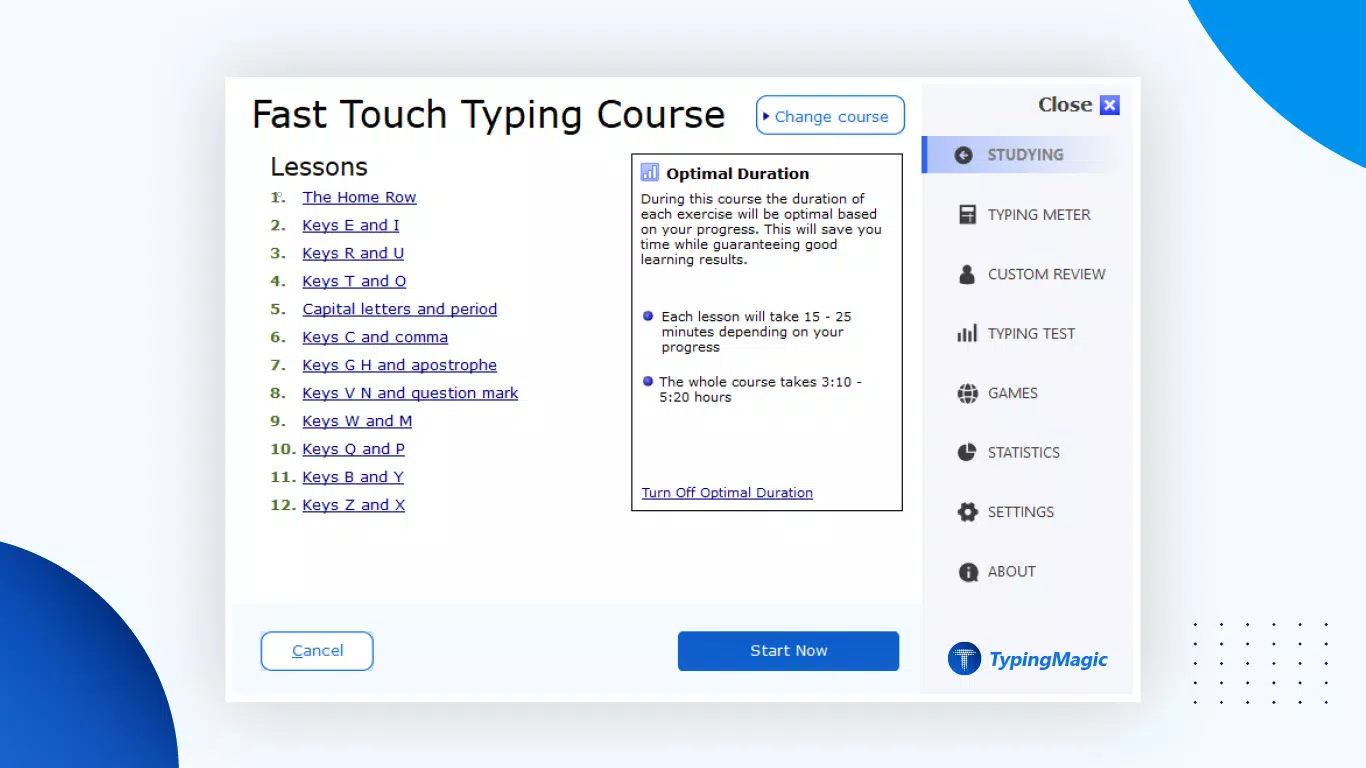
- Extensive Exercise Library: With over 10 hours of progressive exercises, users can engage in consistent, structured practice. Lessons are designed to guide users from foundational key placement to advanced typing fluency.
- Progress Tracking: The software provides feedback and performance metrics, allowing users to visualize improvement over time. This feature supports motivation and helps users set and achieve measurable goals.
- Quick Skill Acquisition: Designed for efficiency, the app claims users can see meaningful improvements in typing speed and accuracy after just 3 to 5 hours of dedicated use, making it ideal for short-term training goals.
- Free Trial Access: A full week of unrestricted access enables users to test the app’s capabilities before deciding on premium upgrades. This trial period allows for an informed evaluation of the software’s effectiveness and usability.
For example, a student preparing for an online exam can use the app to practice fast, accurate input for essay responses. Similarly, a professional managing daily emails can leverage the adaptive feedback to reduce typos and increase output speed. The app’s ability to dynamically adjust content ensures that each session remains relevant and challenging.
Interface, UX & Performance
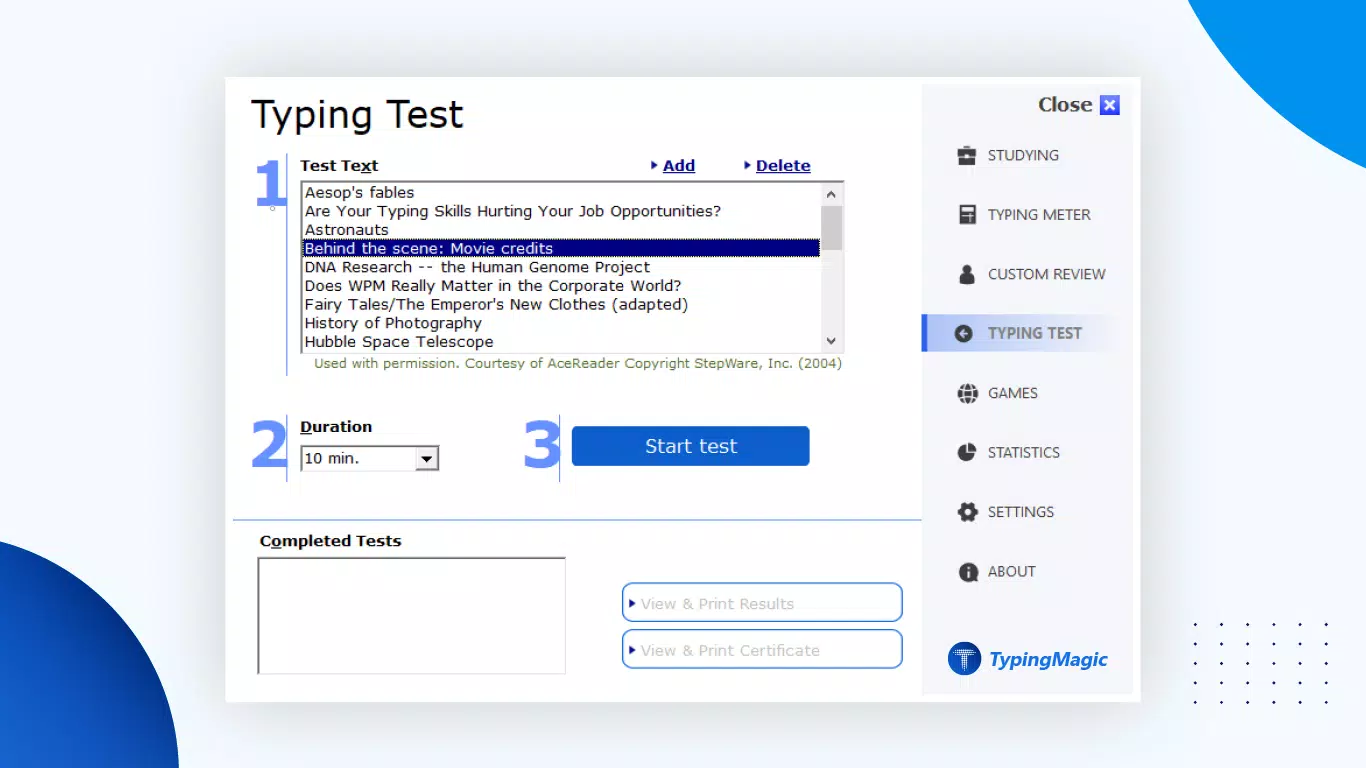
Typing Magic 11 features a clean, intuitive interface designed to minimize distractions and maximize focus during practice sessions. The layout emphasizes readability and ease of navigation, with clearly labeled sections for lessons, progress tracking, and settings. Users can quickly access their current lesson, view performance stats, and return to previous exercises without confusion.
Navigation is straightforward, relying on logical menu flow and consistent visual cues. The app maintains responsiveness across different screen sizes and device categories, though specific performance benchmarks were not provided. Although the developer did not list formal performance metrics, the interface appears optimized for smooth operation during typing drills. Stability during extended use was not reported, but the minimalistic design suggests a low risk of crashes or lag.
Users can expect a stable experience during the free trial period, with no visible delays in feedback or lesson transitions. The app’s lightweight nature—only 32 MB in size—contributes to efficient memory usage and quick loading times, especially on mid-range Android devices. Overall, the user experience is designed to support sustained engagement without technical friction.
Platform Compatibility & Technical Requirements
Typing Magic 11 is available on the Android platform, with a current version of 11.0. The app has a file size of 32 MB, making it suitable for devices with limited storage capacity. The developer did not specify minimum OS requirements, so compatibility with older Android versions cannot be confirmed. Users are advised to ensure their device meets standard Android system requirements for app installation.
While no specific hardware specifications were listed, the app’s compact size suggests it is optimized for a wide range of Android devices, including budget and mid-tier smartphones. The lack of detailed technical information means users should rely on standard app installation procedures and monitor for any compatibility issues upon launch. Updates to the app may be released to improve performance or add features, but release details were not provided.
Pros and Cons
Pros
- Free one-week trial with full access to all features
- Adaptive learning tailored to individual user performance
- Over 10 hours of structured, progressive exercises
- Lightweight design (32 MB) suitable for low-storage devices
- Clear progress tracking to monitor improvement over time
Cons
- Post-trial access to premium features is limited
- Specific OS version requirements were not disclosed
- No public information on developer support or update frequency
- Compatibility with older Android devices not confirmed
- Performance on low-end hardware not tested or reported
FAQ
Is Typing Magic 11 safe to download and install?
Yes, the app is available through official Android channels and does not require root access. It is designed to operate securely within standard app permissions.
Can I use Typing Magic 11 on older Android devices?
The developer did not specify minimum OS requirements, so compatibility with older devices cannot be guaranteed. Users should attempt installation and monitor for any errors.
What happens after the free trial ends?
After the one-week free trial, access to premium features will be limited. Users may need to subscribe or purchase additional content to continue full access.
Does Typing Magic 11 require an internet connection?
The app functions offline once installed, allowing users to complete lessons without an active internet connection. However, progress syncing may require connectivity.
How often are updates released for Typing Magic 11?
Update frequency was not disclosed by the developer. Users are encouraged to check the app store for new versions regularly.
Final Thoughts
Typing Magic 11 stands out as a focused, efficient tool for anyone looking to improve their keyboarding skills quickly and effectively. Its adaptive learning model, combined with a substantial library of exercises and real-time progress tracking, makes it a compelling choice for learners at various stages. The free trial offers a risk-free way to assess its value, while the lightweight design ensures broad accessibility across Android devices.
While long-term functionality beyond the trial period remains uncertain due to limited post-trial details, the app delivers strong initial results for those committed to consistent practice. It is especially beneficial for students, remote workers, and professionals who rely on fast, accurate typing for daily tasks. The emphasis on measurable outcomes and user-centric design reinforces its role as a practical utility in the digital productivity space.
Download Typing Magic 11 now


